Share a Vault with anyone on the deal—borrowers, lenders, attorneys, appraisers, title companies—and give them one place to see what’s needed, upload files, and track progress with you.
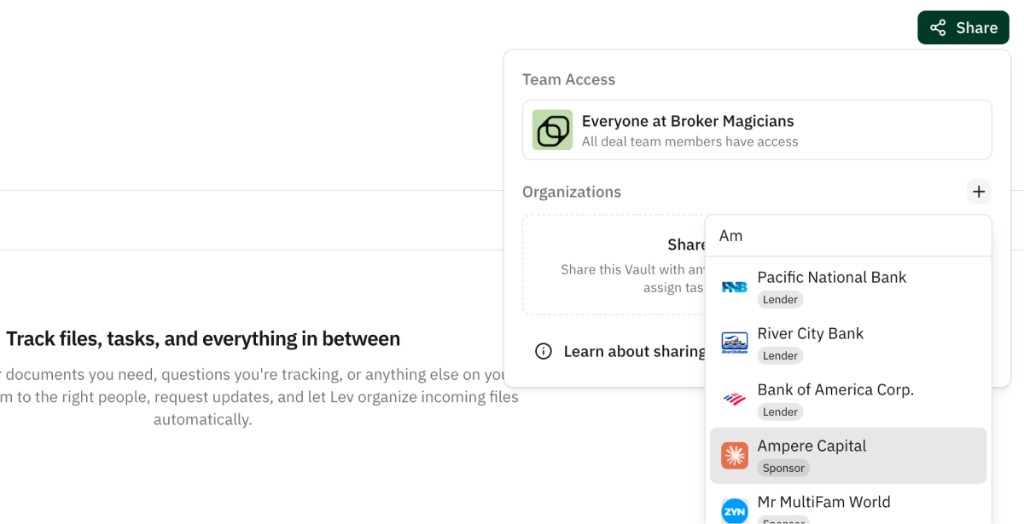
Who can access a Checklist
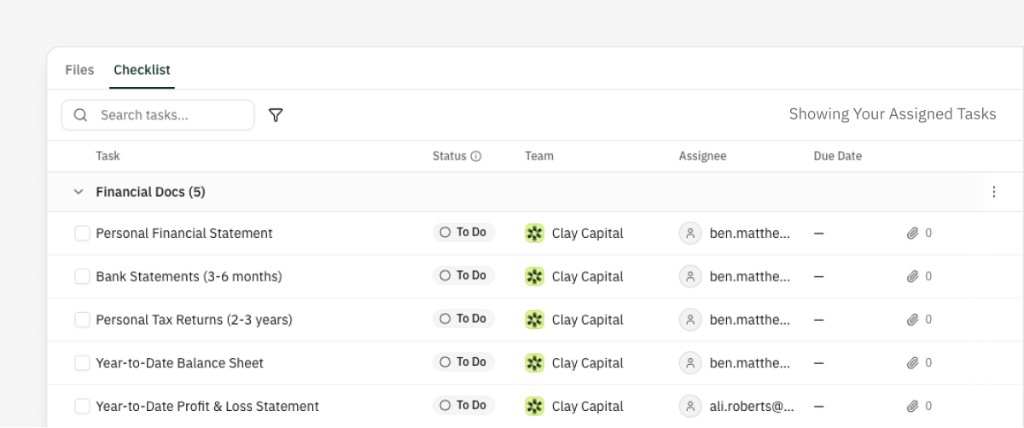
Anyone you share the Vault with can open the Checklist tab when that Vault has tasks. Guests see the same sections, tasks, statuses, and assignees you do. They often work from their assigned tasks—the same checklist view your team uses, filtered to what they owe.
What they can do depends on the permission level for their company in the Share panel:
View only (default) — See the Checklist, open task details and Activity, download files. Cannot upload, comment, or change tasks.
Full access — Everything above, plus upload to the Vault, attach files to tasks, and comment on tasks. Use for anyone who must supply documents or collaborate actively—borrowers, sponsors, closing counsel, etc.
You can change a company’s level anytime in Share. For link types and access models, see Vault Link Settings.
Uploading files
Guests with Full access can upload in two main ways:
From the Checklist tab — Open a task and use Attach to upload straight to that task.
From the upload page — Each Vault has a dedicated upload experience: guests see tasks assigned to them next to a drag-and-drop area. Lev classifies uploads and matches them to tasks. With no assignments, they see a general upload area.
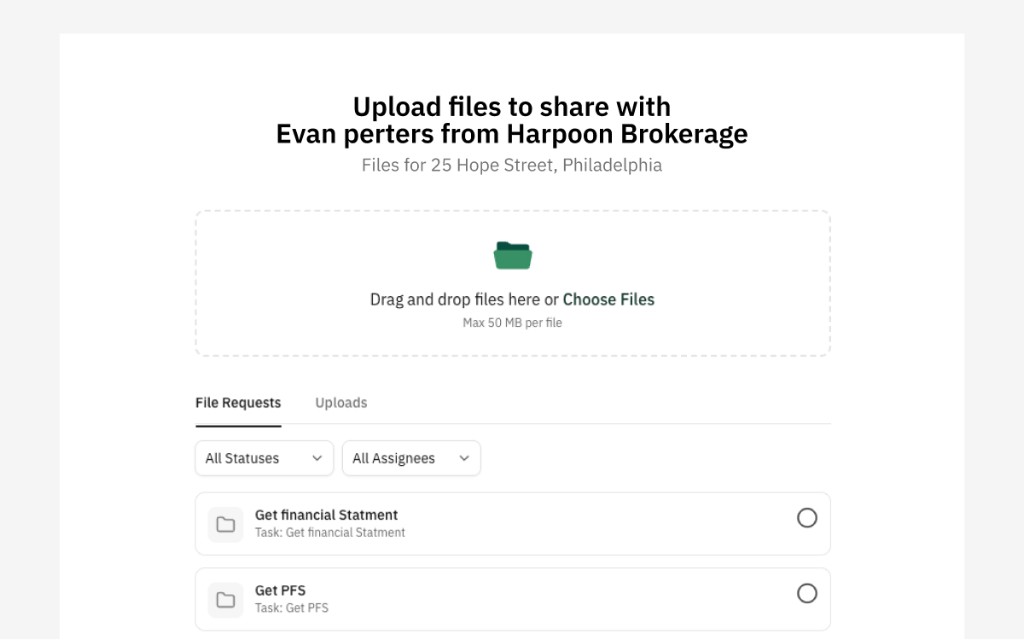
Guests can also reply to file-request emails with attachments—Lev ingests each attachment, classifies it, and matches where possible. They never have to open the Vault.
Commenting
With Full access, external users can comment on tasks. Comments appear in Activity alongside email, uploads, and status changes—one thread per task for questions, context, or flags.
Authentication
Public Vaults can allow viewing without signing in. Any write—upload, comment, attach—requires email verification so Lev always knows who acted.
For Anyone at company or Invite only Vaults, email verification is required before content is shown.
The guest experience
External users see a branded experience with your company, the property, and deal context. They do not need a Lev account. Uploads, comments, and task interactions are recorded in Activity so your team keeps full visibility.