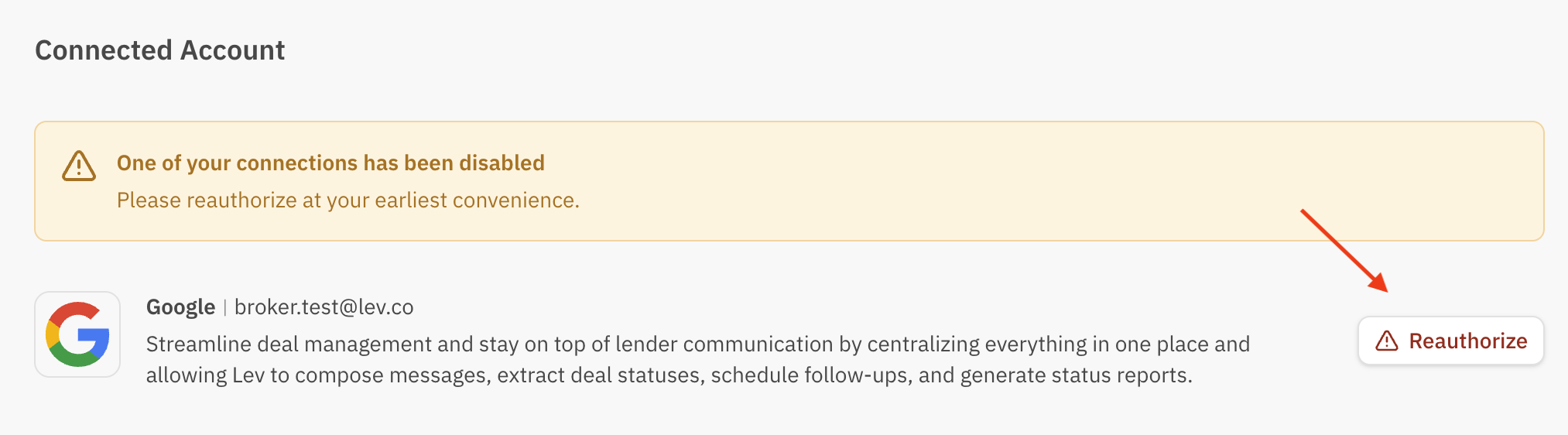
Connect your inbox to Lev so deal mail threads, launches, and contact sync stay in sync. Reauthorize anytime your provider drops the connection.
Connect Your Email
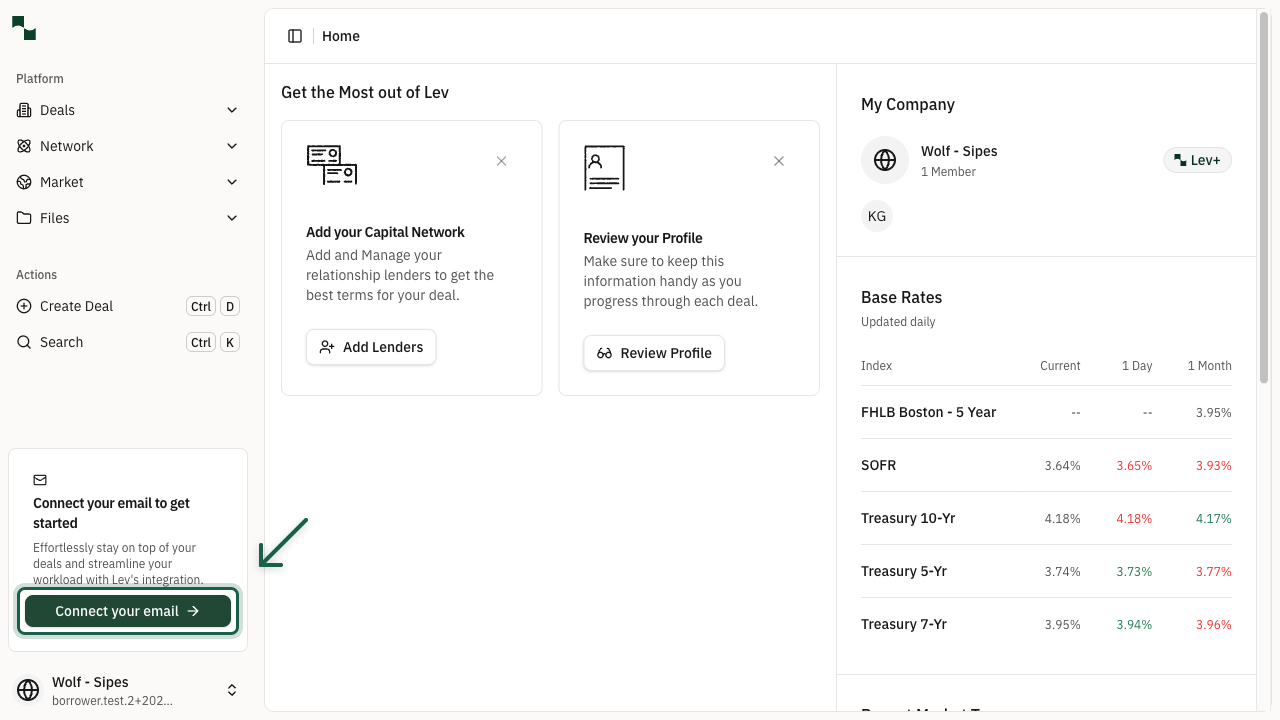
Start from the prompt. After you sign in, use Connect your email in the left sidebar (or the equivalent prompt on your home view) to begin.
Pick a sync level.
- Limited access — Lev threads mail that stays on the original launch thread (replies to your launch, etc.).
- Full access — Lev can relate other deal mail to the deal even when it’s a new thread (recommended for fewer missed messages).
Full access usually gives the best experience: cleaner deal timelines and stronger context for AI features.
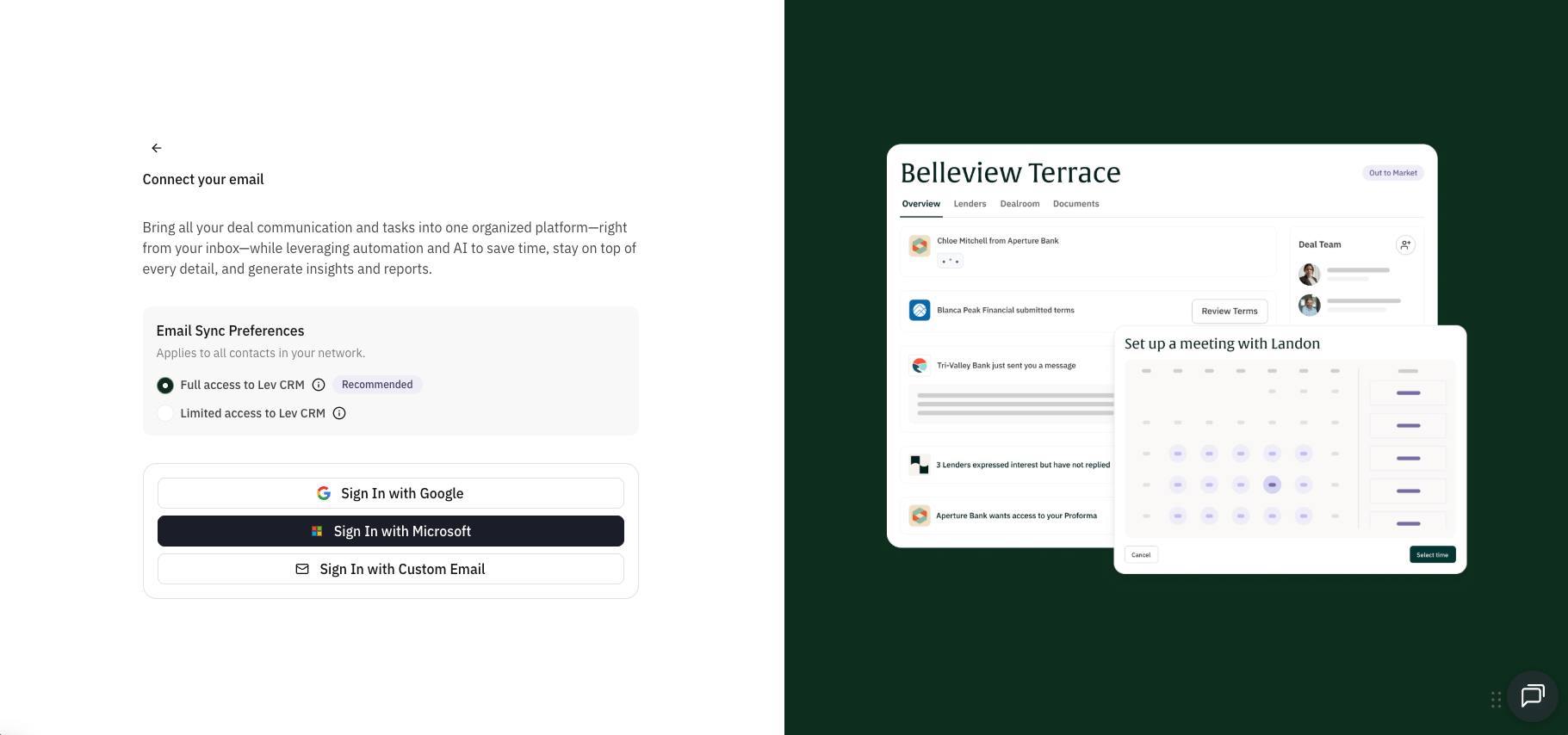
Authorize your provider. Click Connect Your Email and complete OAuth with your provider. Lev never sees your password.
- Google — Gmail and Google Workspace
- Microsoft — Outlook and Microsoft 365
- Other — Additional providers when offered in the flow
Sync email & import contacts
After mail is connected, you can import professional lender contacts into Network.
Lev focuses on lender-related contacts. You stay in control of what gets imported.
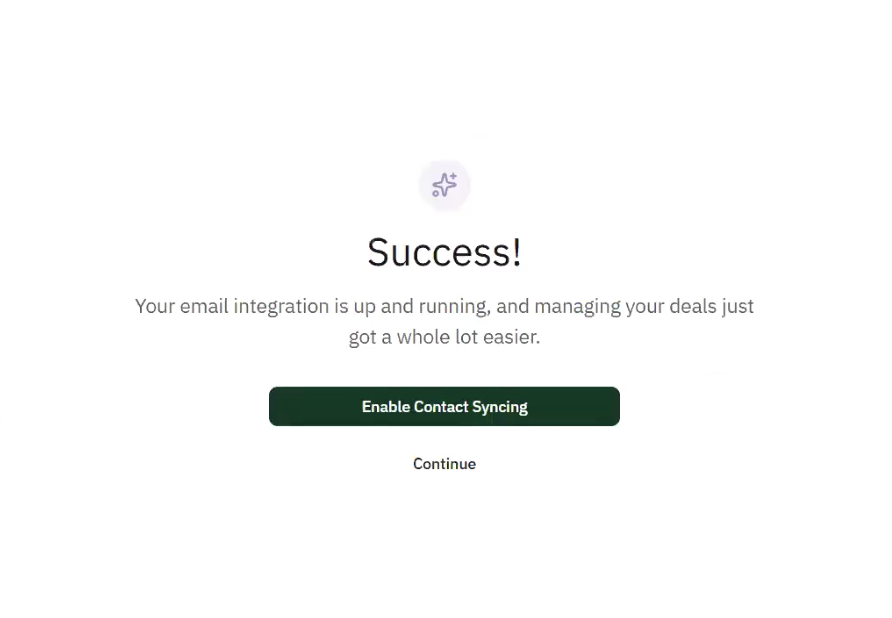
Turn syncing on. Go to Settings → Email Integration and click Enable Contact Syncing, or use the prompt shown right after you finish connecting email.
Wait for analysis. Lev scans roughly the last year of activity, matches domains to thousands of lender records, and skips obvious personal domains (Gmail, Yahoo, etc.).
Expect on the order of ~15 minutes, depending on volume.
Review and import. Open the review list, select the people you want, fix any missing fields inline, then Import (top right).
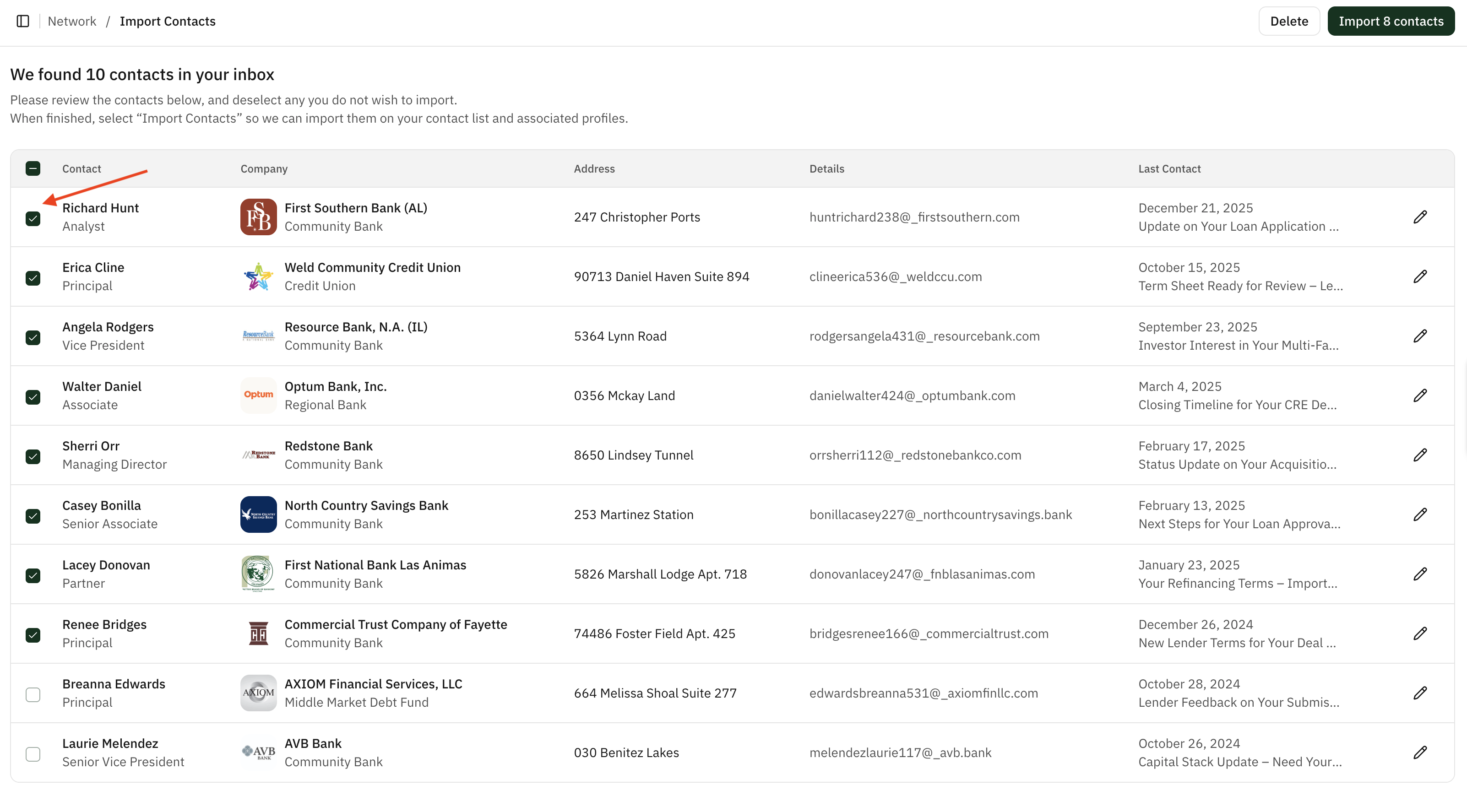
Imported contacts live under Network. Ongoing enrichment can update a contact when they move institutions.
You can also tune sync behavior (lookback window, folders, manual review only)—options appear in Email Integration as your org configures them.
Reconnect & reauthorize
If your mailbox disconnects, launches and inbound parsing stop until you reconnect.
Open Connected Account. Click your profile (bottom-left) → Settings → Connected Account.
Reauthorize. Next to your email, click Reauthorize and finish the provider flow. You can send and track from Lev again immediately afterward.