Learn how to manage your deals by archiving inactive deals, duplicating existing deals, and restoring archived deals when needed.
Archiving a Deal
Archive deals that are no longer active to keep your deal list organized. Archived deals can be restored at any time.
Open Deal Overview
Navigate to the deal you want to archive. You can find it in your Deals list or search for it.
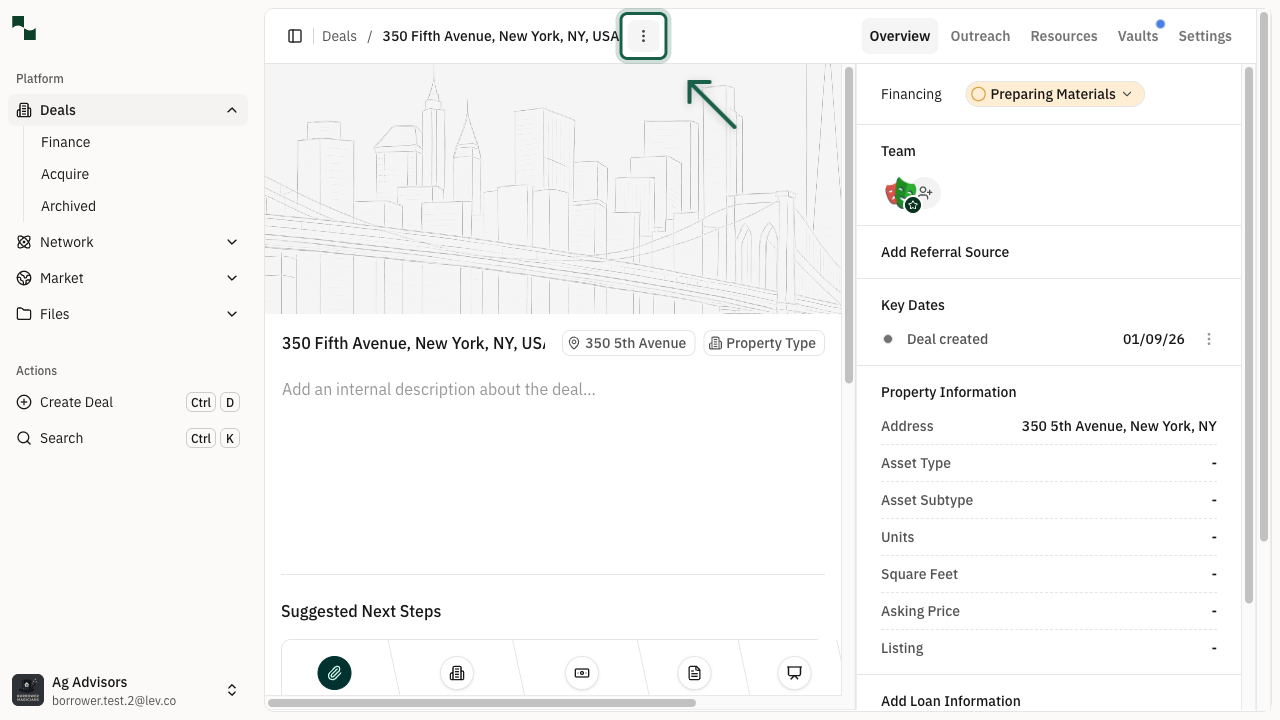
Access Deal Actions Menu
Click the Deal actions button (three dots menu icon) in the top right corner of the deal page.
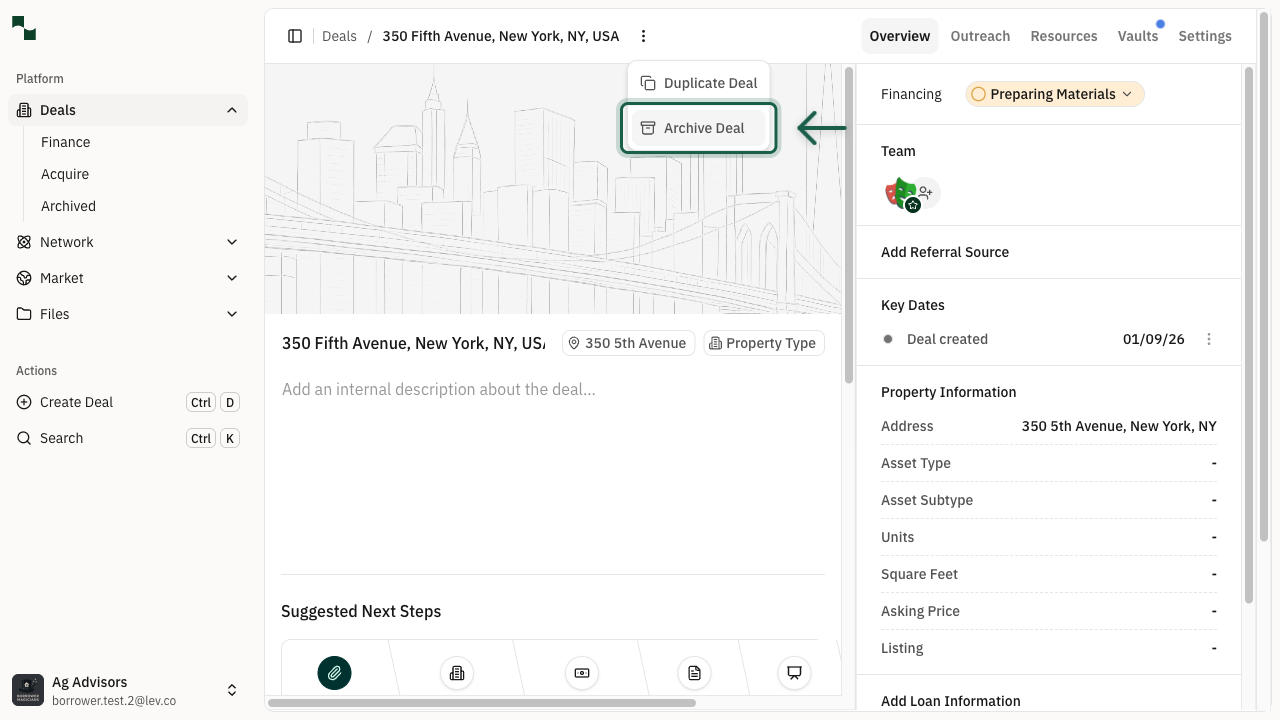
Select Archive Deal
From the dropdown menu, click Archive Deal. This opens the archive confirmation dialog.
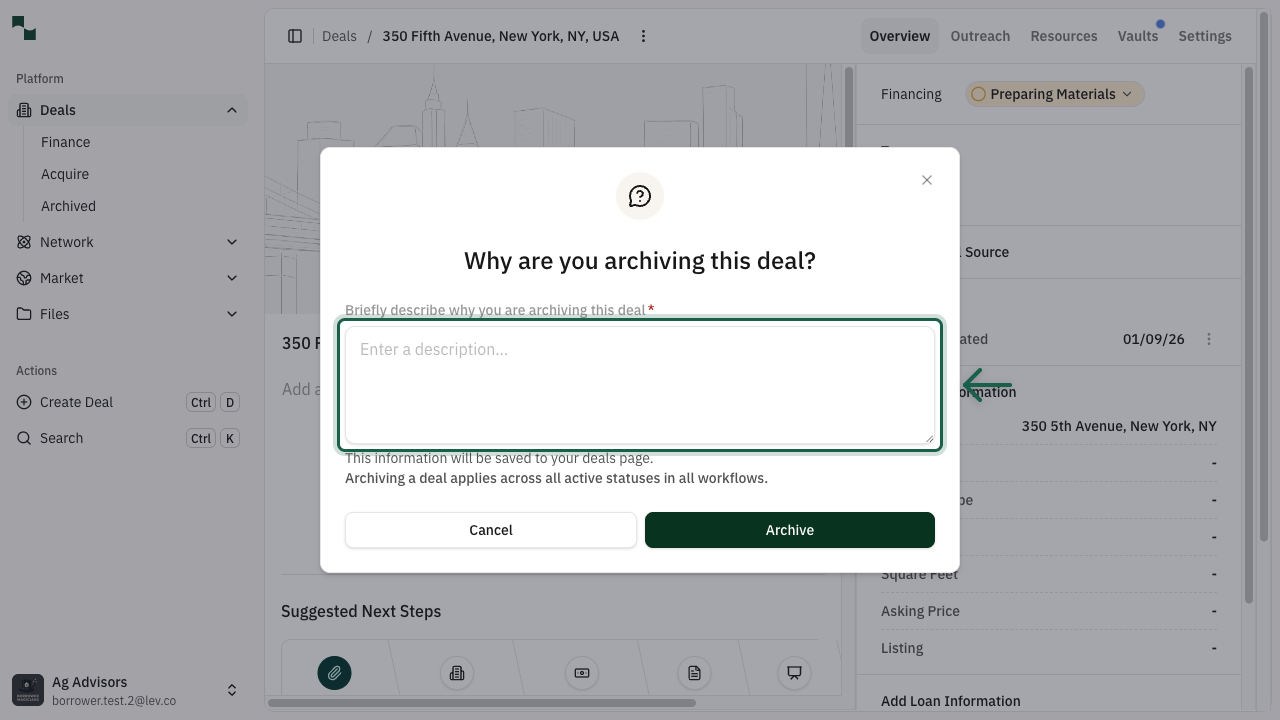
Confirm Archive
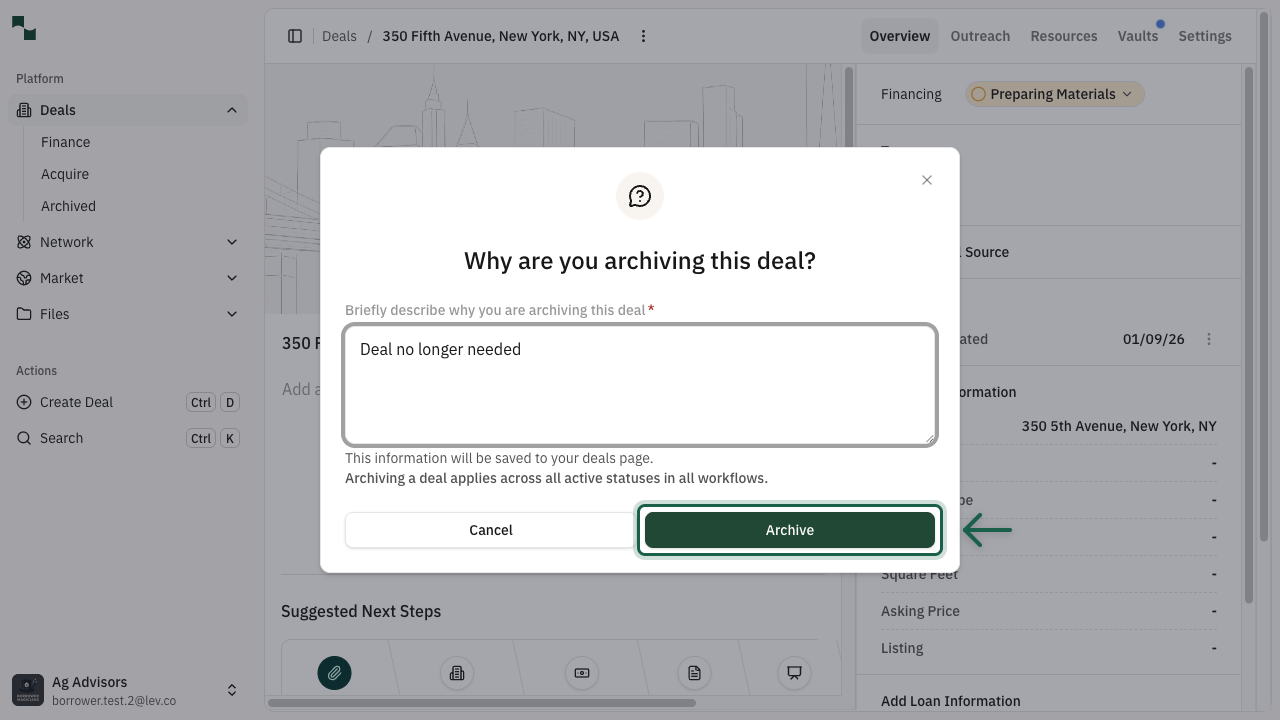
Enter a brief reason for archiving the deal (optional but recommended for future reference), then click the Archive button.
Deal is Archived
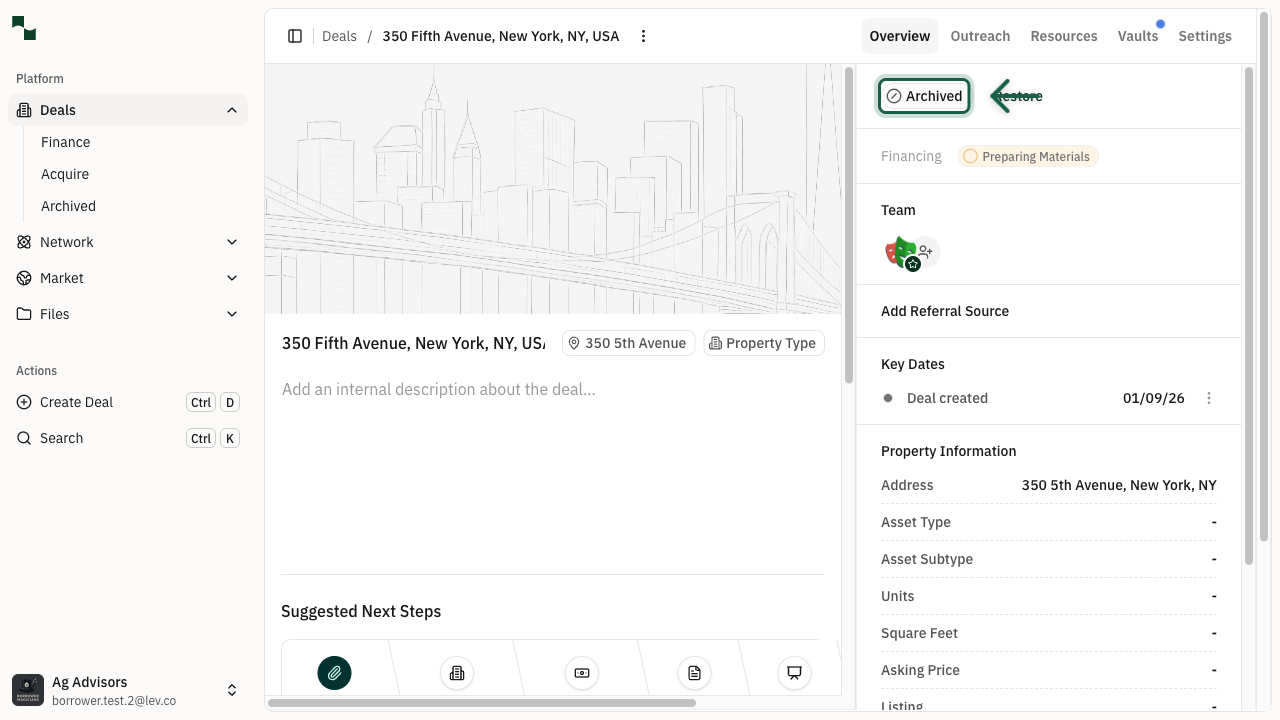
The deal is now archived. You'll see an Archived badge in the Pipeline Status section and a Restore button to bring the deal back.
Duplicating a Deal
Create a copy of an existing deal to save time when creating similar deals.
Access Deal Actions
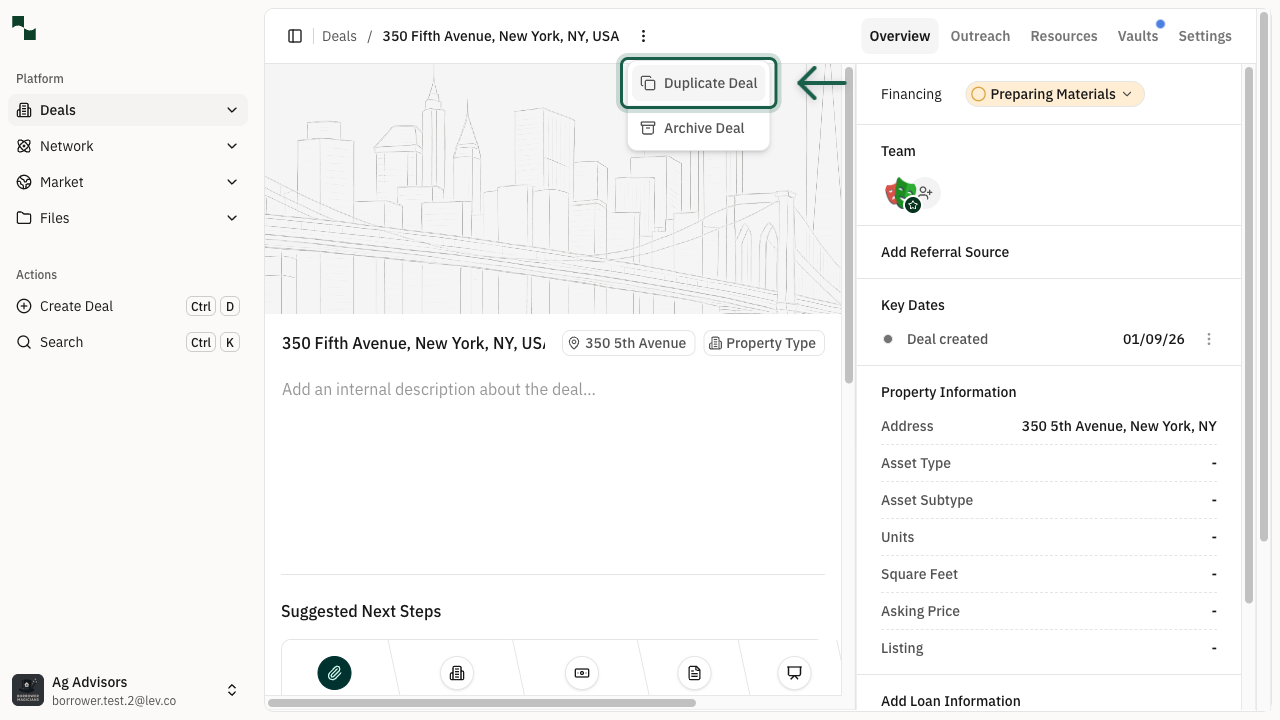
From any deal's overview page, click the Deal actions button and select Duplicate Deal.
Review Duplicated Deal
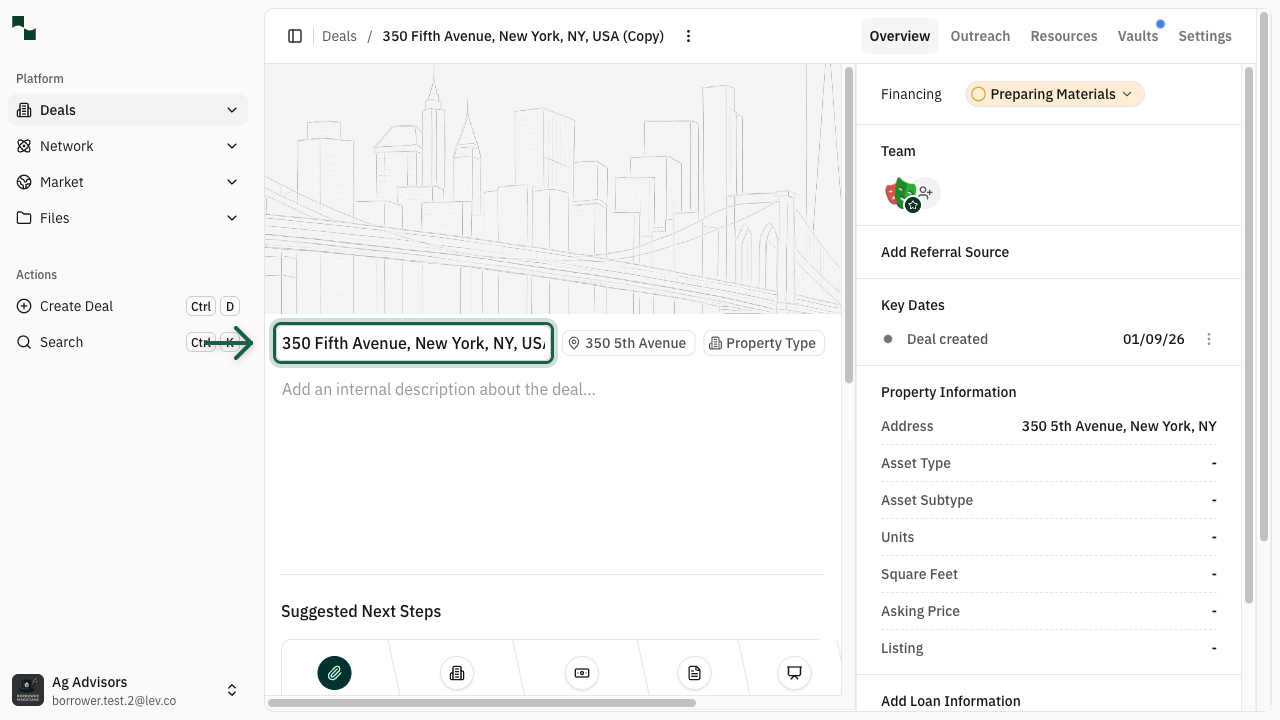
The system creates a copy of the deal with "(Copy)" appended to the title. You'll be redirected to the new deal automatically.
What gets copied
Property information, Financial details, Loan request parameters
What doesn't get copied
Lender selections, Outreach history, Activity/notes
Restoring an Archived Deal
Bring back an archived deal to active status when needed.
Find the Restore Button
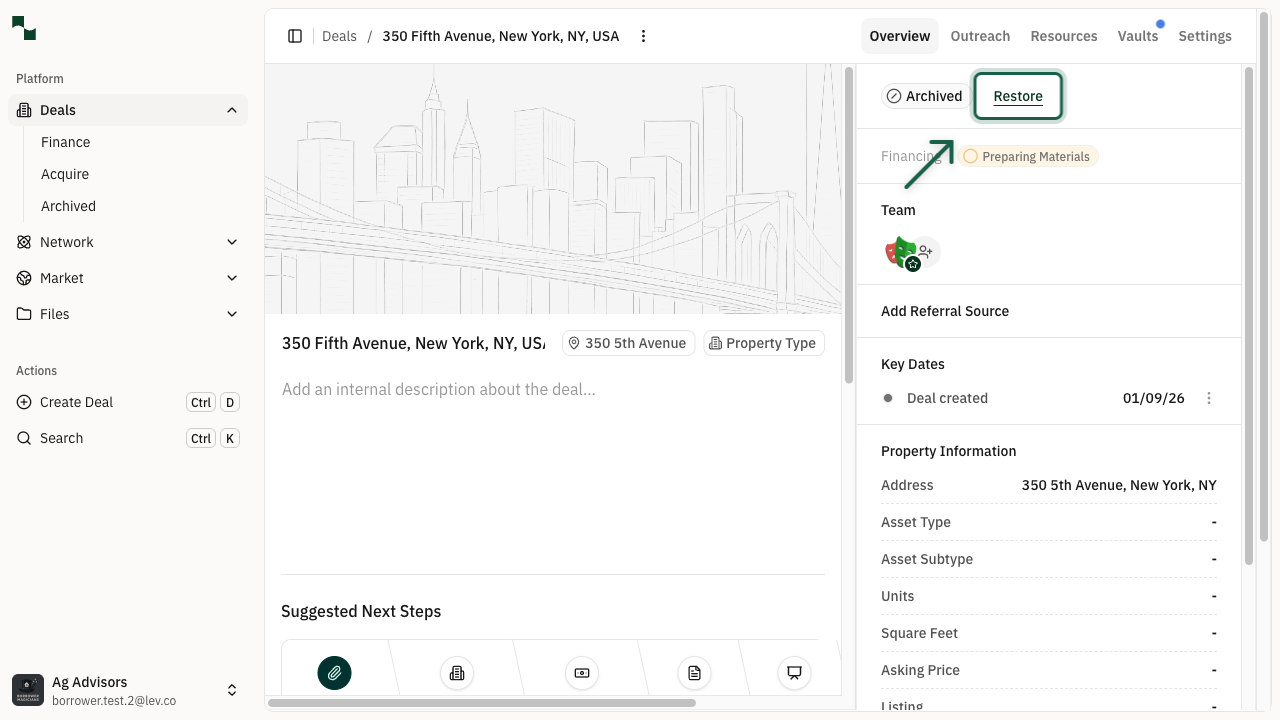
On an archived deal's overview page, hover near the Archived badge in the Pipeline Status section to reveal the Restore button.
Deal is Restored
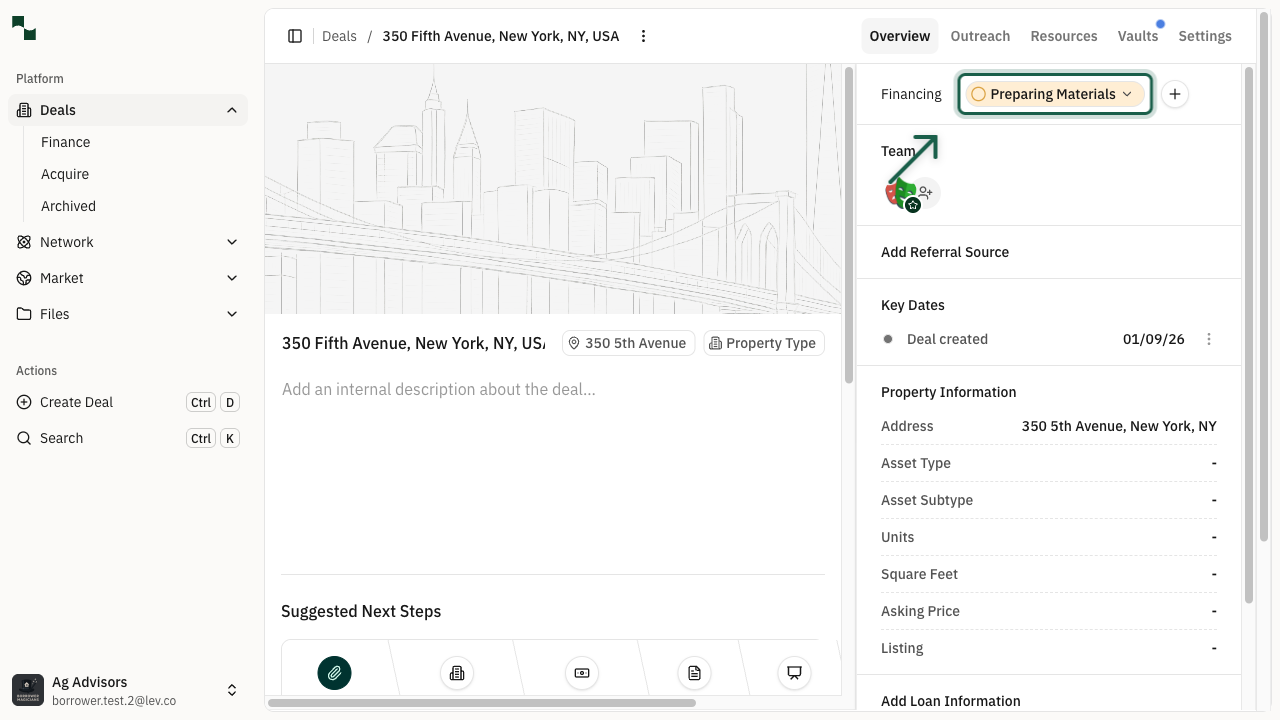
Click Restore to return the deal to active status. The deal will return to its previous pipeline stage (typically "Preparing Materials").
You're All Set!
You now know how to:
- Archive deals to organize your deal list
- Duplicate deals to quickly create similar deals
- Restore archived deals when needed