The Pipeline tool is the starting point for your deal's journey, tracking its progress from underwriting through key approval stages, from LOI submission to being awarded and under contract.
Getting Started
You can add or upload a property by clicking "New Property" in the top right corner.

Editing Your Deal
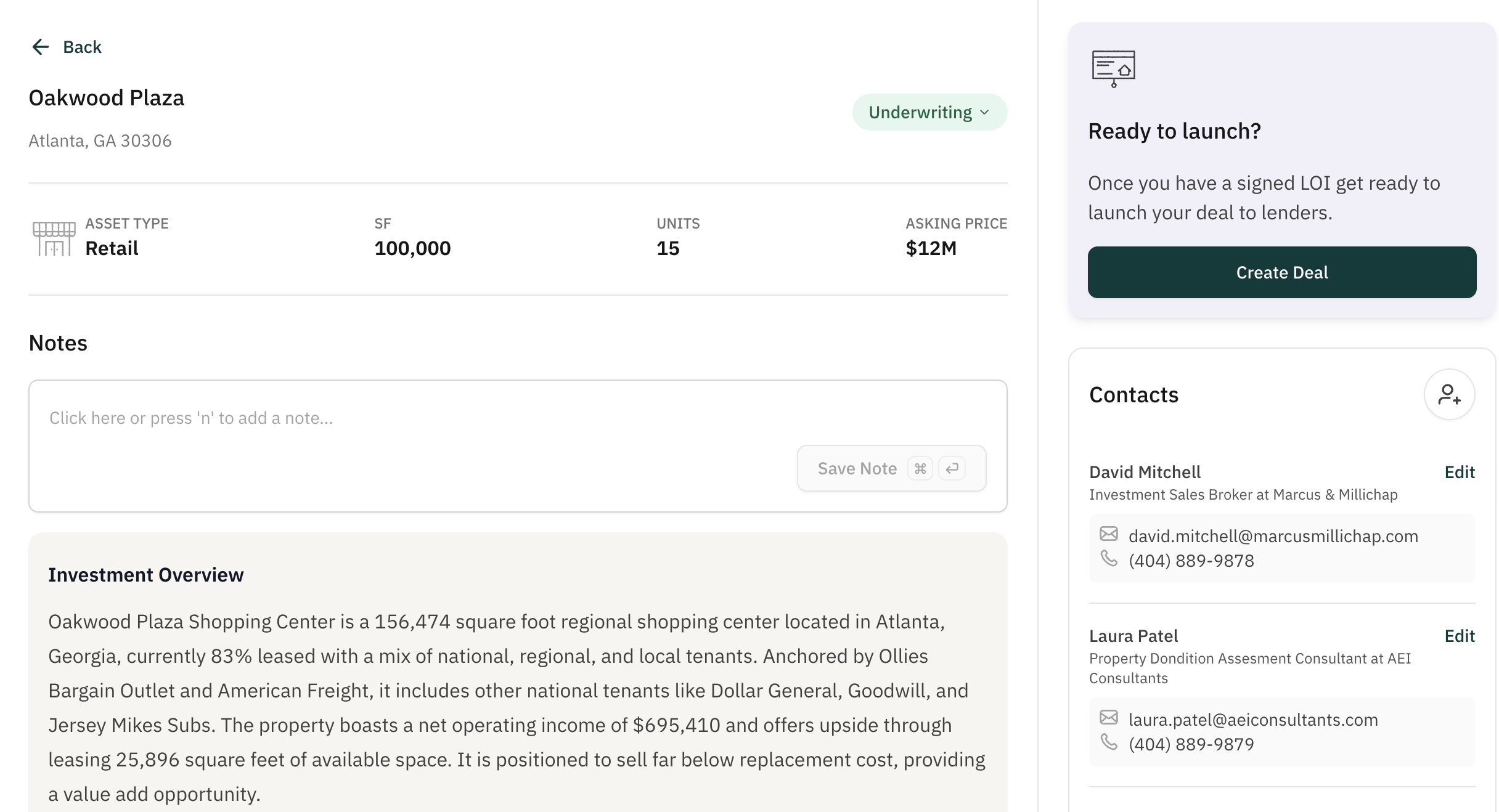
After creating the property, you can use the "Edit" feature to store contacts, notes, key dates, and more. When the deal is ready for launch, you can simply click "Create Deal" to bring it into your Deals List.
Why this matters
The Pipeline tool provides a centralized hub for storing key property data for full team transparency as the deal is being underwritten and prepared for market. You can save a lot of time creating deals by having all their key data points prepared in Pipeline before clicking "Create Deal".