How to turn on automatic Follow Ups
Navigate to the deal. Go to Settings on the top right:

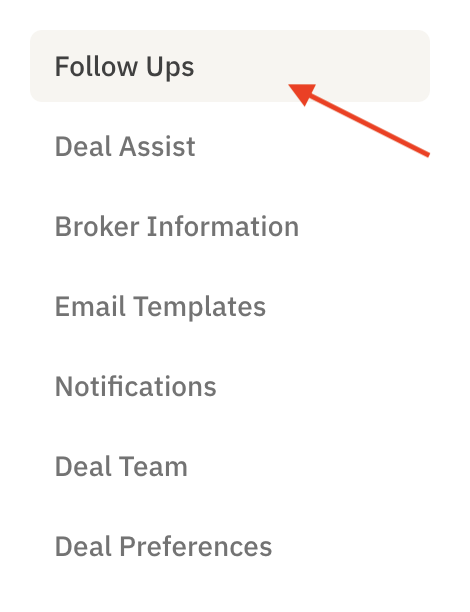
Select Follow Ups on the left-hand side:
Choose your preferences
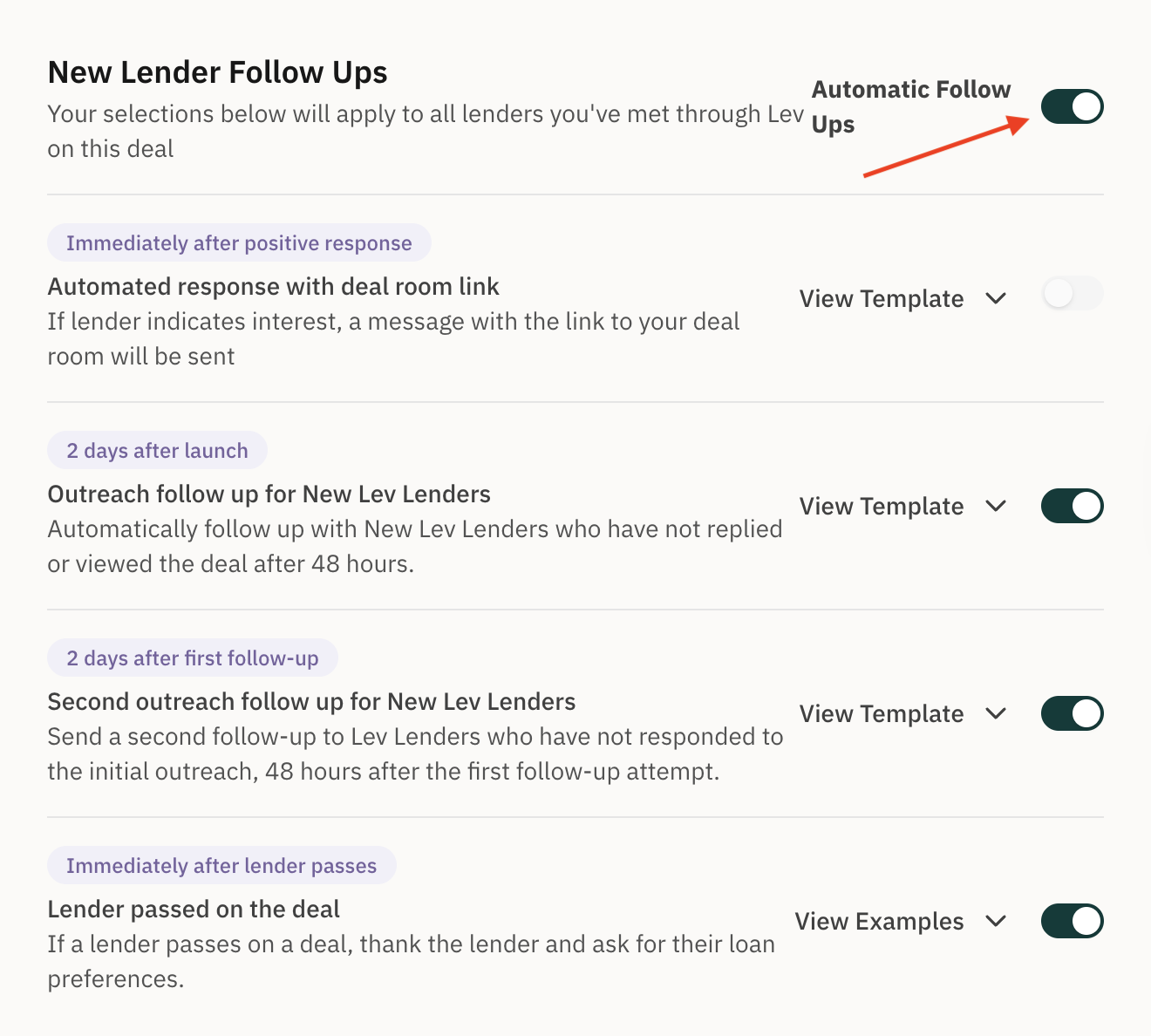
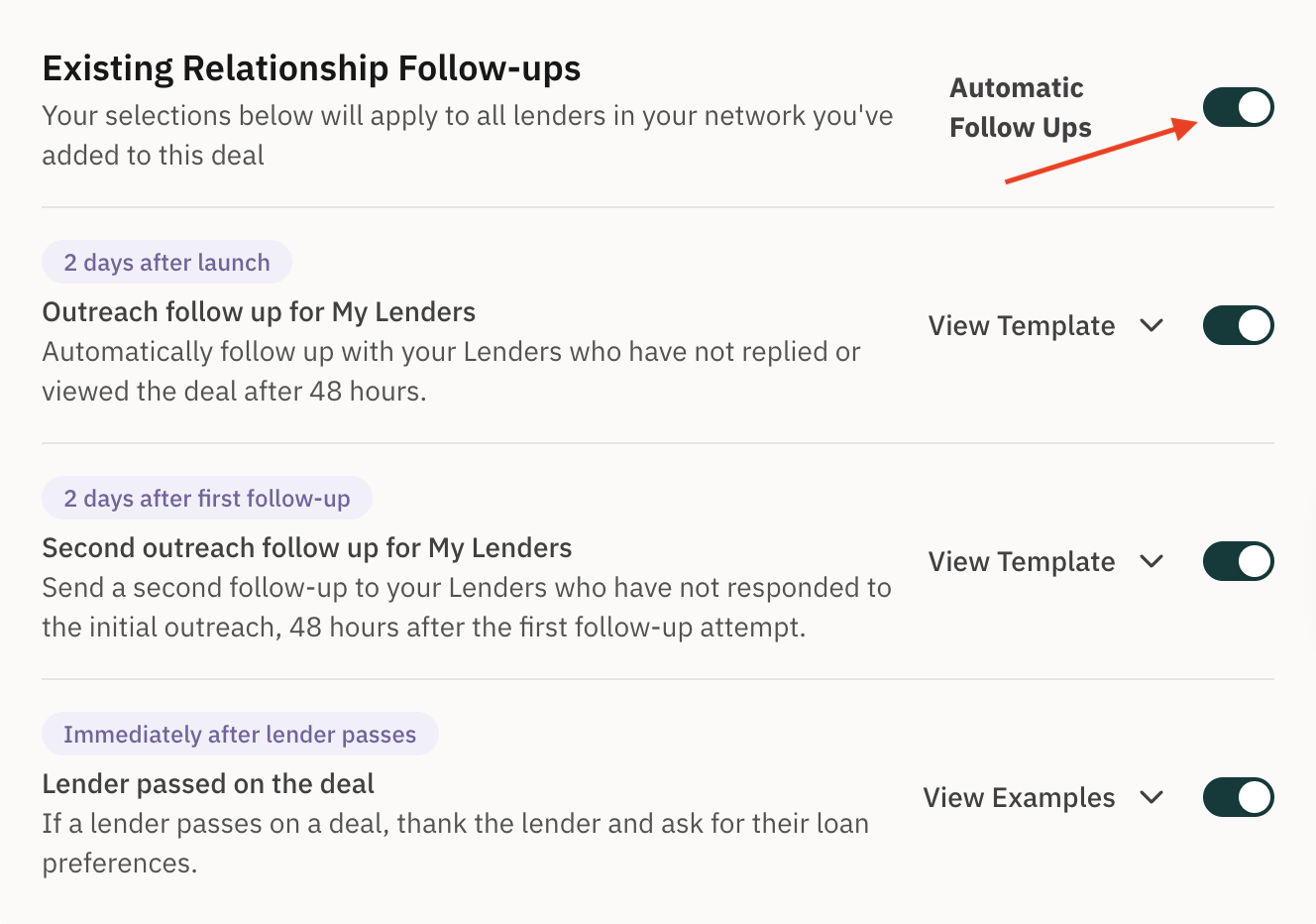
Select the applicable tabs under Existing Relationships/New Lender Follow Ups. You can turn on all automatic follow-ups or just the ones that fit your needs.
Why This Matters
Automatic follow-ups help you stay proactive and professional without manual effort. You'll increase lender engagement and responses at scale, so you and your team can focus on higher-value tasks like negotiating terms and closing deals.