Introduction
The intermediary step before you get your final Memo presentation is to review your Memo outline.
This is an outline that influences the final content on your Memo. We make it easy for you to review and edit this outline so that your final Memo has a narrative you expect.
Tip
Define Your Investment Highlights - this will heavily influence the highlights for your deal in the final memo. We recommend you pay extra attention to these bullet points so that what's generated aligns with your preferred narrative.
Editing Your Outline
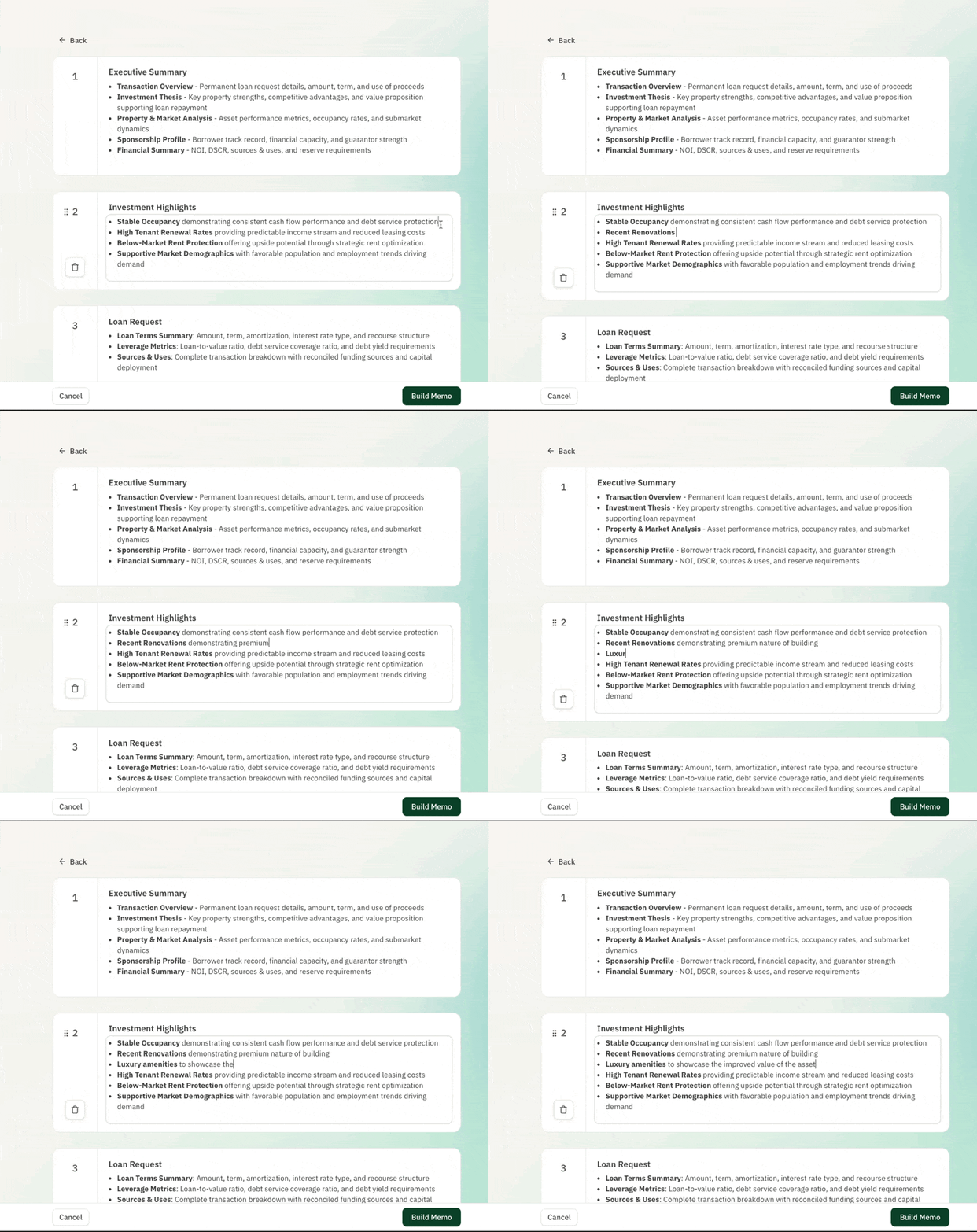
Editing a Section
- Click on the Section that you want to edit
- Type directly into the section's text box to edit the section
Adding a Section
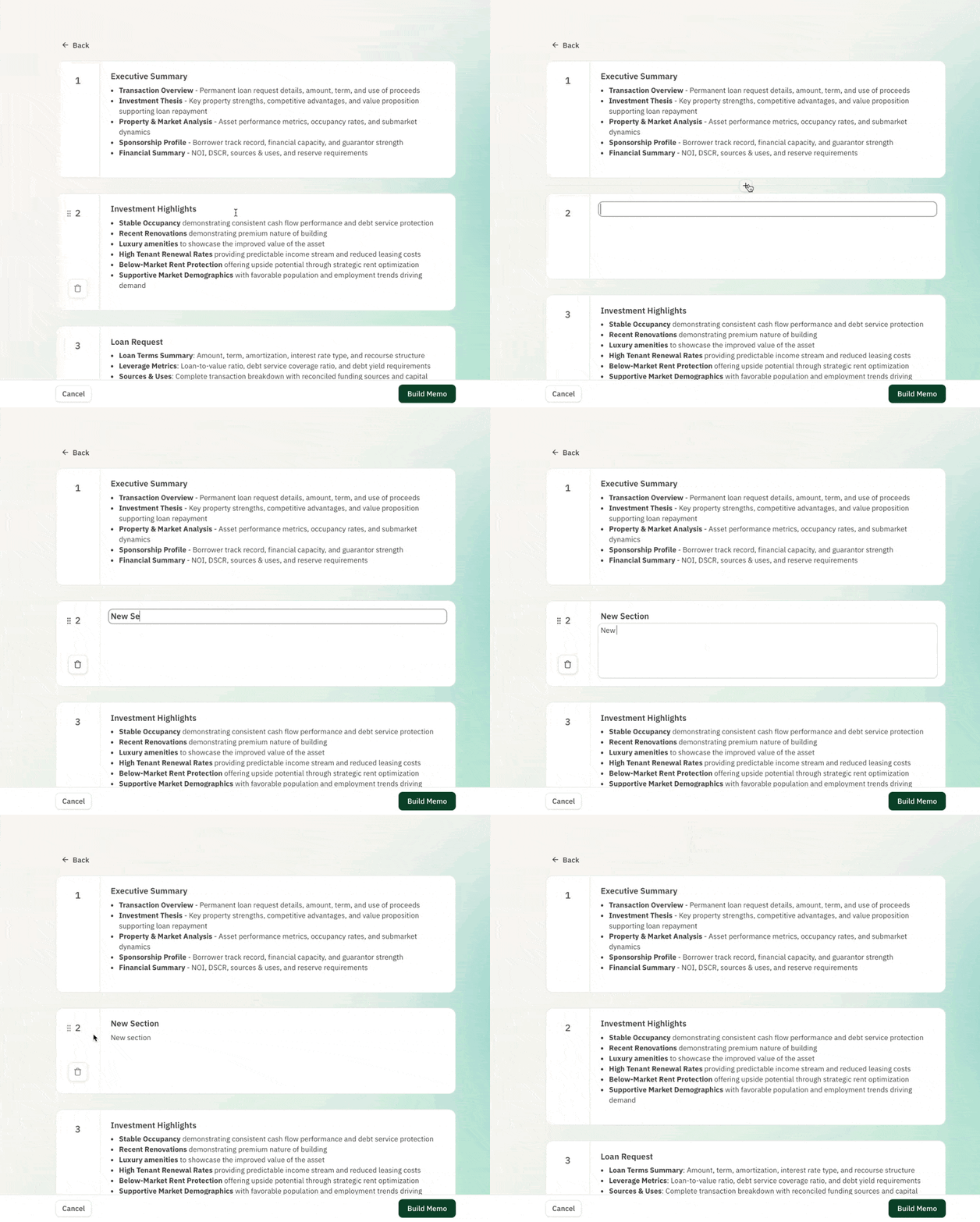
- Find the location at which you want to add a new section
- Click on the "+" button between any sections to add a new section
Deleting a Section
- Click on the Section you want to delete
- Click on the trash icon that is on the left bar of the section card