Learn how to update your personal information and company details on the Lev platform.
Getting Started
Access the Account Menu
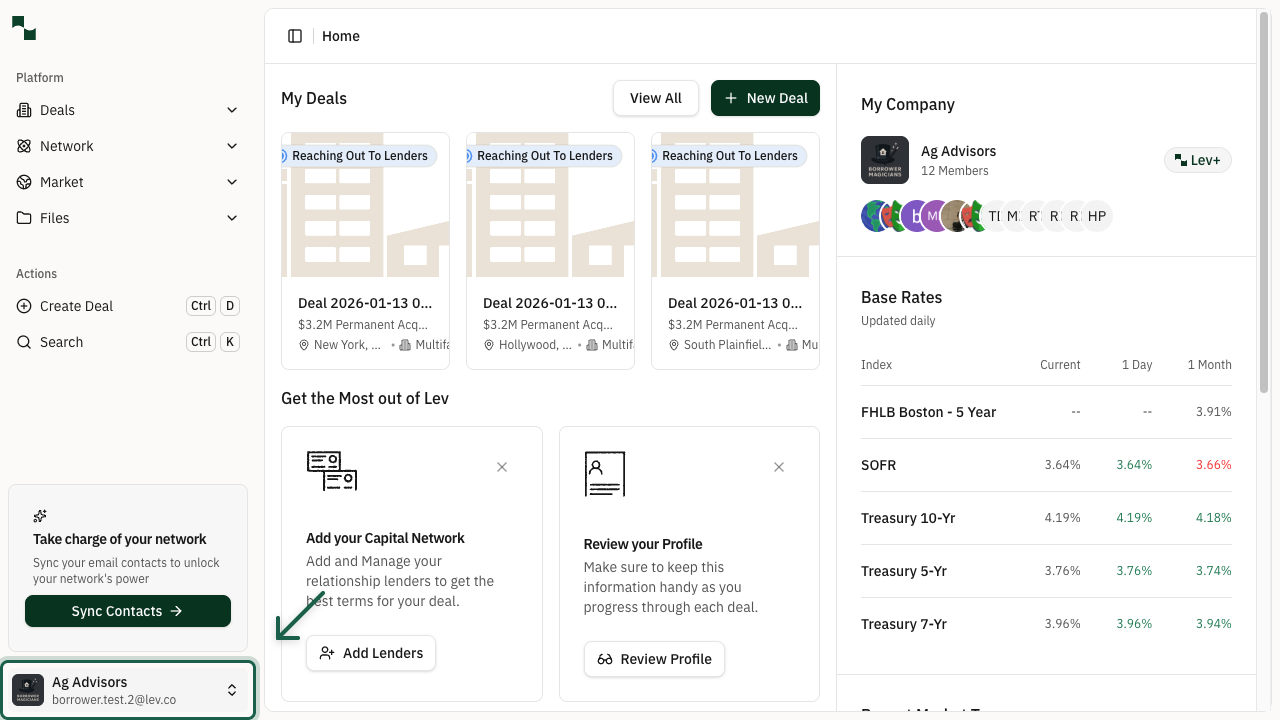
From anywhere in the platform, locate your account information in the bottom-left corner of the sidebar. Click on your name or company name to open the account menu.
Location: Bottom-left sidebar
Select Settings
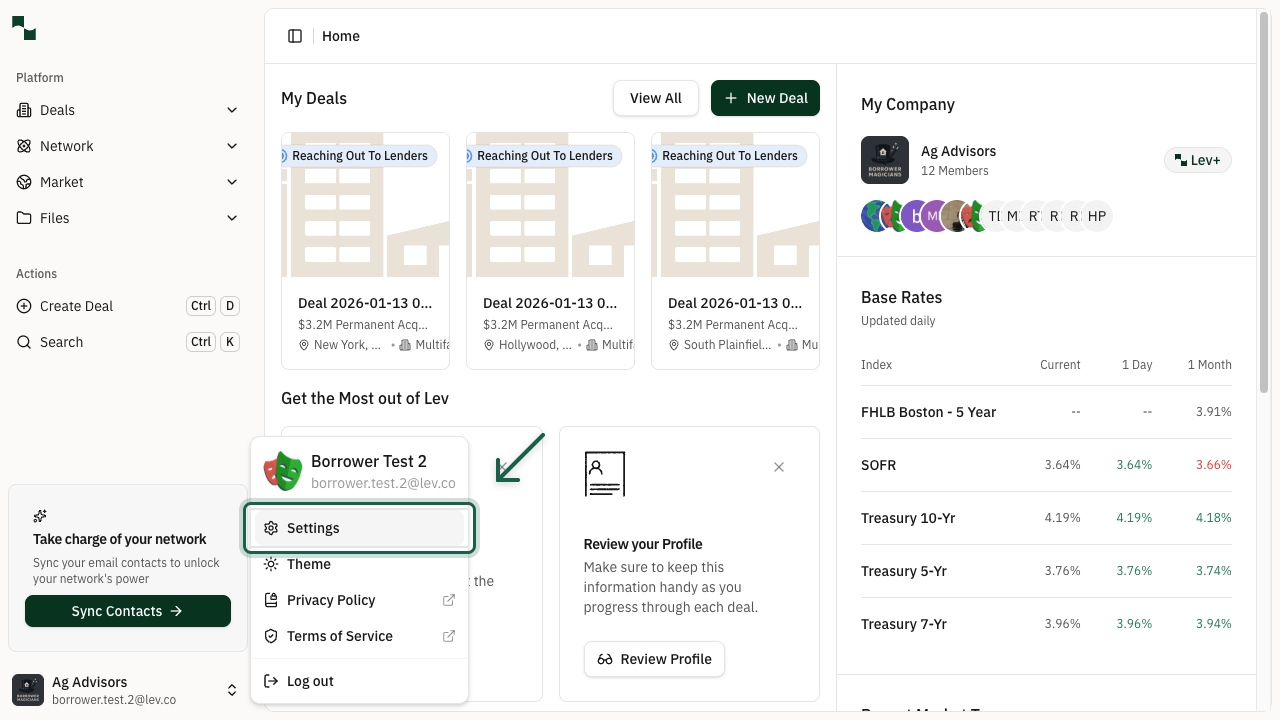
In the dropdown menu, you'll see several options including Settings, Theme, Privacy Policy, Terms of Service, and Log out. Click on Settings to access your profile and company settings.
Profile Settings
View My Details
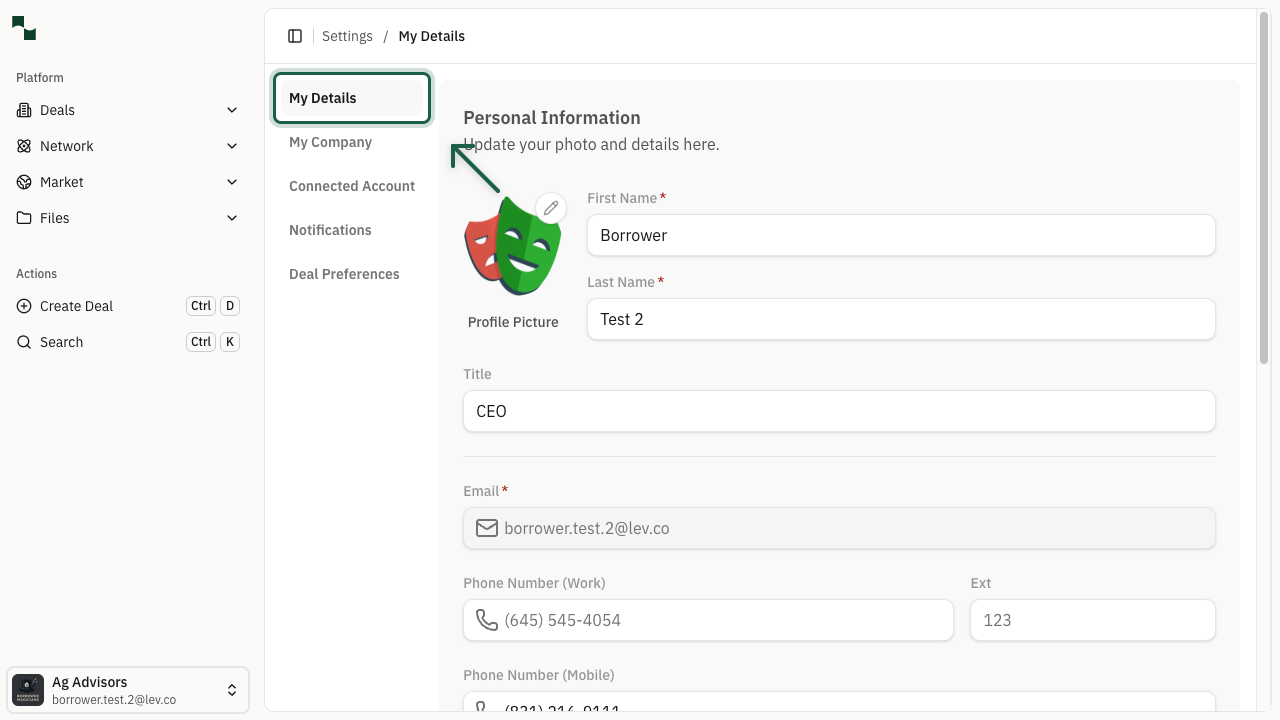
The Settings page opens to the My Details tab by default. Here you can view and update your personal information.
Location: Settings > My Details
The following fields are available on the My Details page:
| Field | Description |
|-------|-------------|
| Profile Picture | Upload a photo to personalize your account |
| First Name / Last Name | Your legal name (required) |
| Title | Your professional title (e.g., CEO, Managing Partner) |
| Email | Your account email (cannot be changed) |
| Phone Number (Work) | Your office phone number with optional extension |
| Phone Number (Mobile) | Your mobile phone number |
| LinkedIn | Link to your LinkedIn profile |
| About | A brief bio about yourself |
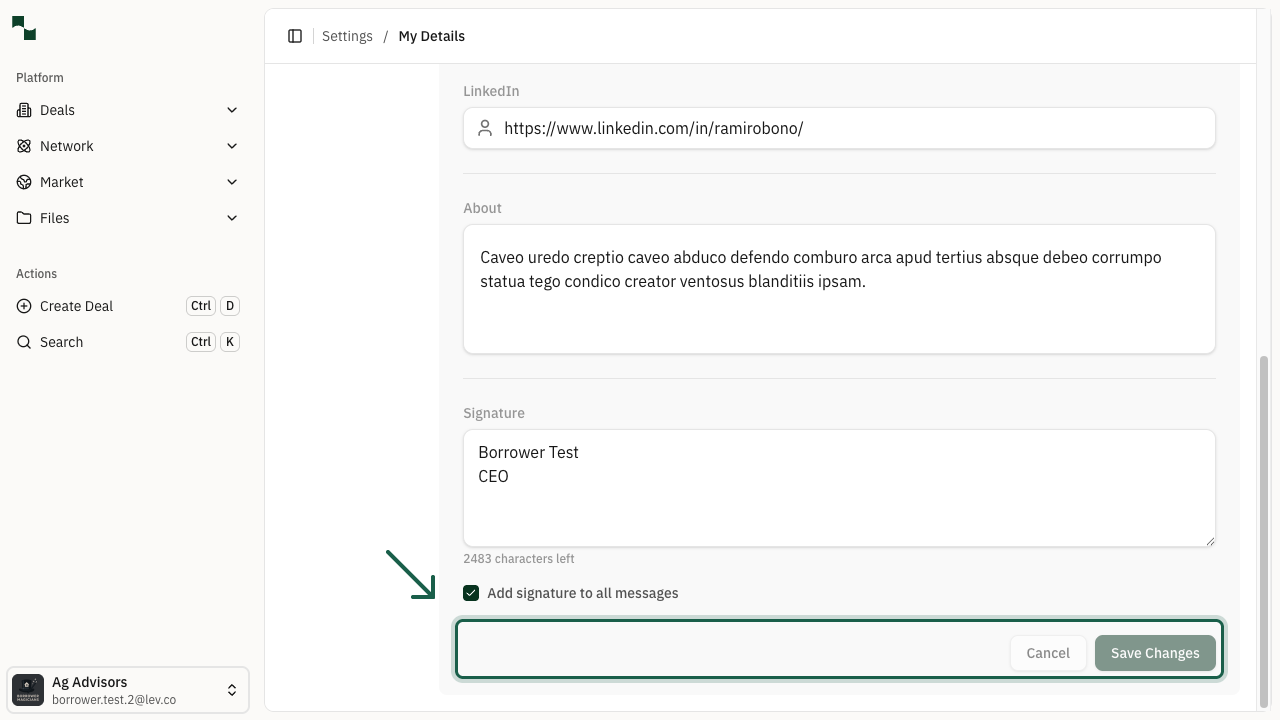
| Signature | Your email signature for messages sent through Lev |
Tip: Check the "Add signature to all messages" box to automatically append your signature to outgoing messages.
Save Profile Changes
After making changes to your profile, the Cancel and Save Changes buttons will become active. Click Save Changes to save your updates, or Cancel to discard changes.
Note: You'll see a confirmation message when your profile has been updated successfully.
Company Settings
Navigate to My Company
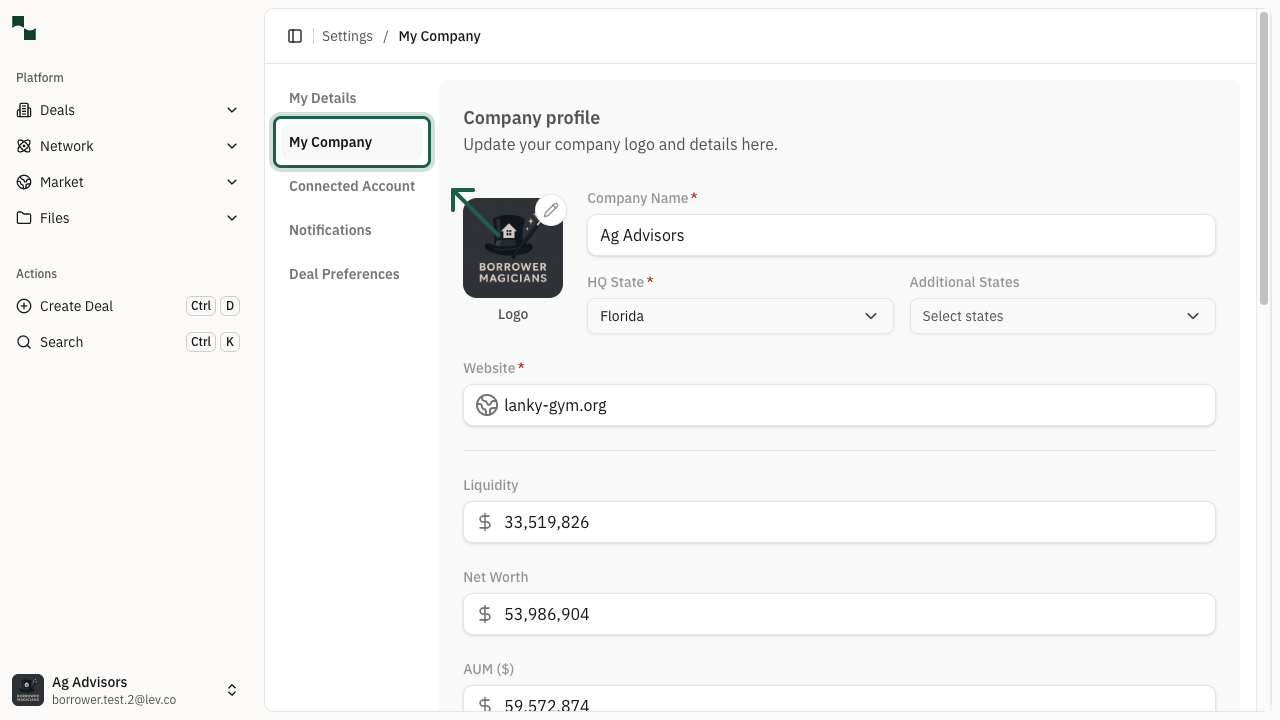
Click on the My Company tab in the left sidebar to access your company settings. Here you can update your company's profile information.
Location: Settings > My Company
The following fields are available on the My Company page:
| Field | Description |
|-------|-------------|
| Logo | Upload your company logo |
| Company Name | Your company's legal name (required) |
| HQ State | The state where your company is headquartered (required) |
| Additional States | Other states where your company operates |
| Website | Your company's website URL (required) |
| Liquidity | Your company's available liquidity |
| Net Worth | Your company's net worth |
| AUM ($) | Assets Under Management in dollars |
| AUM (#) | Number of properties under management |
| About | A description of your company |
You're All Set!
- Your personal profile information is up to date
- Your company details and financial information are configured